
Exe.dev integrations are a powerful primitive to give your VMs access to resources without giving agents the underlying secrets. For example, you can give your VM access to a GitHub repo without leaving your private key or personal access token on the VM, where an agent could potentially misuse it.
If you want an extra layer of protection, you can configure your integration for "step up" mode. Then, when the VM tries to use the integration, it will return a link so you can approve access. Click on that link and approve it for some time period. This lets you keep an eye on your agents and grant temporary access to high-value integrations (e.g., access to prod).
To use this, add an integration with --stepup web:
exe.dev ▶ int add http-proxy --name demo \
    --target https://httpbin.exe.xyz/ --bearer shhh \
    --stepup web --attach vm:drum-dragon
Added integration demo

Usage from a VM:
  ssh drum-dragon.exe.xyz curl https://demo.int.exe.xyz/
When you trigger the integration, you'll see an approval link:
exe.dev ▶ ssh drum-dragon.exe.xyz curl https://demo.int.exe.xyz/
Integration "demo" needs approval:
       https://exe.dev/a/afvpfibvypeti2loorhfumrxj5cvoskjkfgvasv7rsp4l2ckxl6q
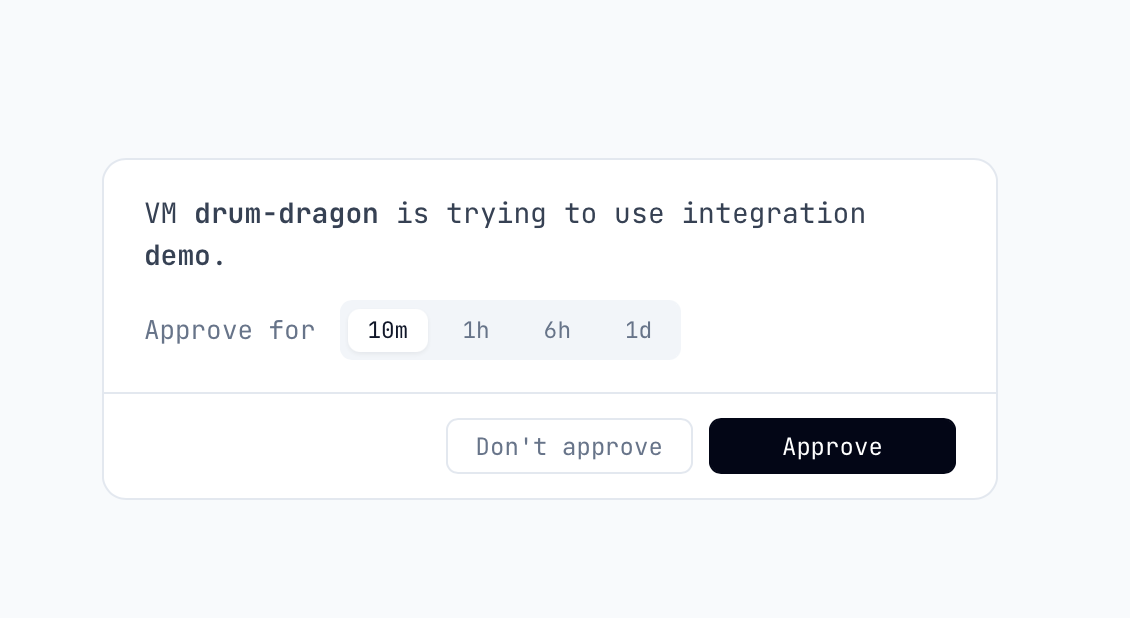
If you’re logged in, this will take you to a simple screen:
This works for many of our integration types. Agents are excellent at prompting you to take the next step.