
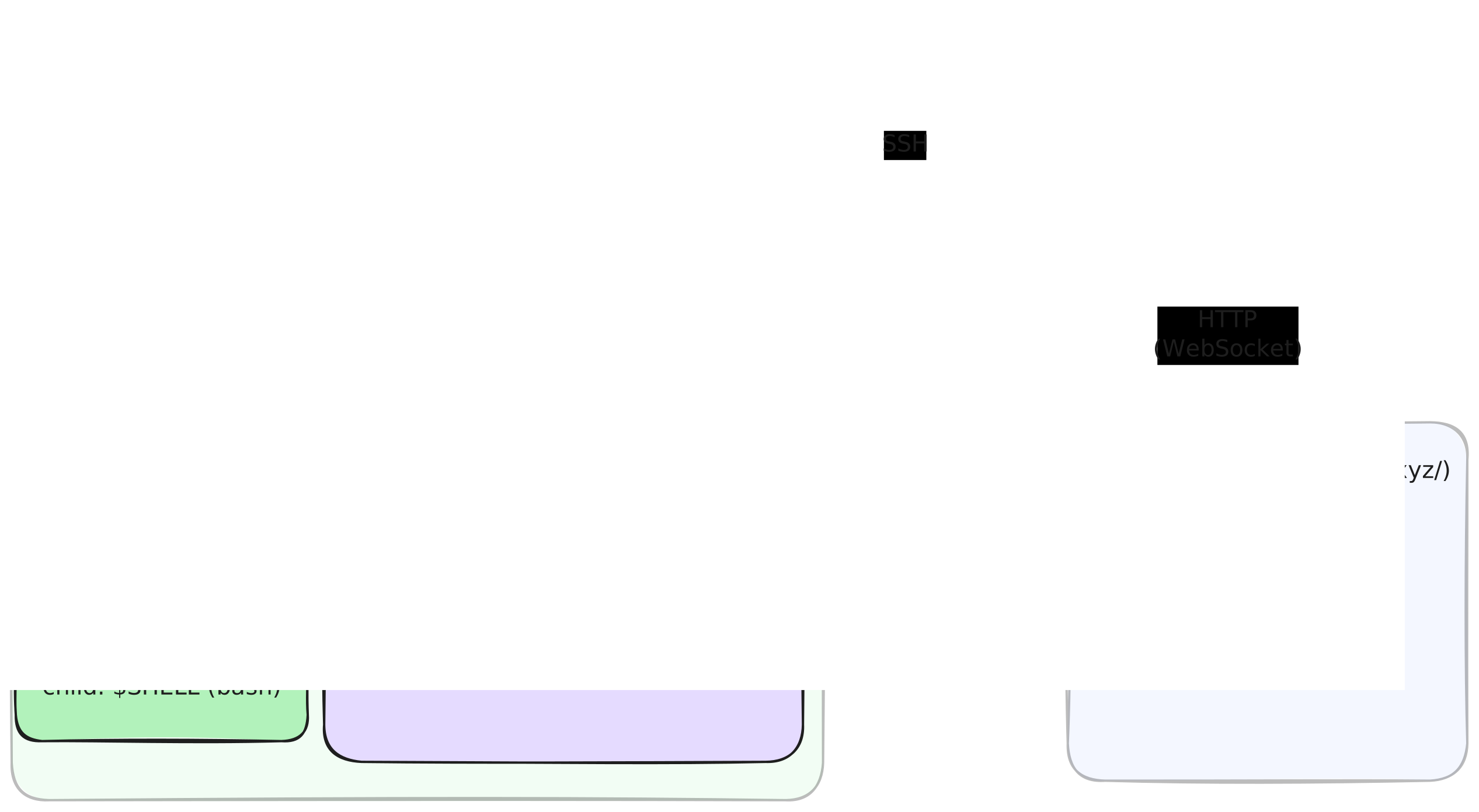
When you use the mobile or web-based terminals on exe, there are two ghostty instances involved. One is rendering the terminal in the app or the browser (via a ghostty build compiled to WebAssembly). The other is on the VM in the session manager, providing scrollback on reconnection. (Scrollback is more complicated than just replaying all the received bytes, so it helps to re-use Ghostty's excellent terminal support.)
Whoa! What? Why!?!
To make remote terminals work well, you need 4 ingredients:
- Network roaming: when the client switches networks, the terminal should reconnect automatically and seamlessly.
- Session management: you need to be able to resume a session that you started on your laptop on your phone and vice-versa.
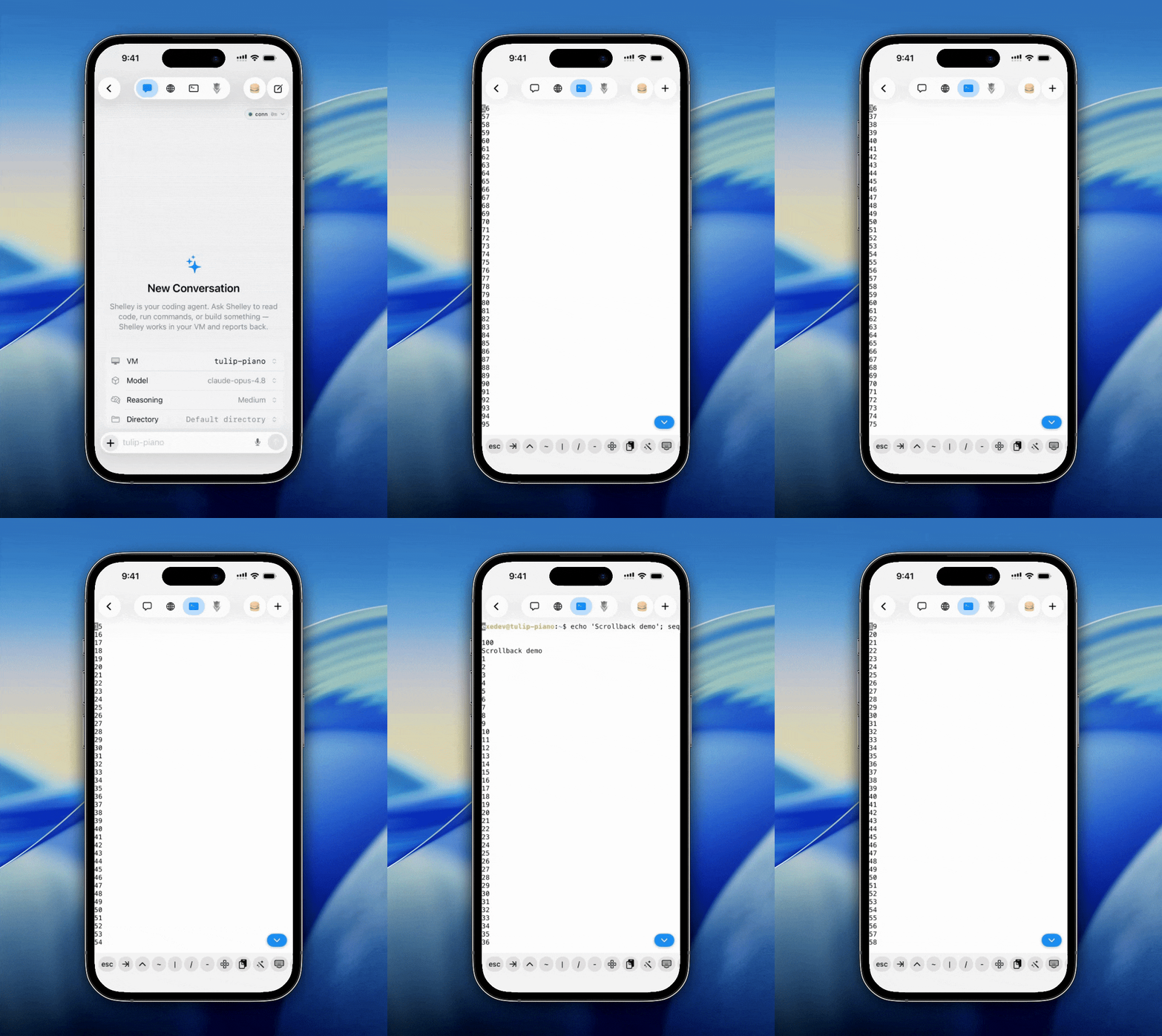
- Scrollback: scrolling up should work.
- Modern terminal support: colors and so on.
On exe.dev, a login shell is one to one with an "exe-scroll" session manager process on your VM. We can re-connect to this session by running an "exe-scroll" client (identified by a unix domain socket). We expose this over HTTPS to our clients (whether on the web or a mobile device), and you can connect to those sessions over SSH as well if that's your jam. Clients survive network roaming by retrying when the websocket disconnects. Session management is provided by having multiple exe-scroll processes, each with its own name. Scrollback is provided by that ghostty inside exe-scroll: when you re-connect, we replay the scrollback into your terminal. Modern terminal support is provided by the client, which, in the case of iOS and <vm-name>.xterm.exe.xyz is also Ghostty.
There has been much prior art on this. Mosh establishes a connection secret over SSH and then the server (which stays put) and the client (which can move around) talk UDP to each other. Its "State Synchronization Protocol" synchronizes the state of the terminal between client and server. Eternal terminal is similar to mosh. It requires running an et server (typically port 2022), uses TCP, establishes a secret over SSH, supports native scrollback, the tmux control protocol, and ssh agent forwarding. Terminal multiplexers like screen, tmux, and zellij manage multiple ptys, and you can re-connect with them remotely. The drawback with terminal multiplexers is that you have to remember to invoke them (or panic install reptyr later) and using them has a learning curve. Tools like dtach, atch, zmx, and abduco all skip the "window management" part of screen/tmux, but just handle attaching and detaching sessions. upterm and tmate let you run a command on one terminal and access it from another. They do this with a relay server. If you don't trust the public relay servers, you need to run your own. tmate has shut down but I've used it to log into GitHub action runners in a pinch. You can also use a different network stack: if you use Tailscale, your SSH session won’t die when you roam networks, because Tailscale is an overlay. autossh is essentially a while true loop that reconnects SSH; you can pair that sort of thing with dtach or tmux. Many web-based terminals are available. gotty or gotty (yes, there are two with the same name) work. ttyd is another. To run these, you need secure HTTPS access to your host. A standard for HTTP-based terminal streams would be a boon to our industry, but right now it’s ad-hoc/unique protocols all the way down (e.g., here’s k8s).
It seems ridiculous to build something new with so much prior art. We are much indebted to the prior art, especially dtach and zmx. And yet exe-scroll fills a particular exe.dev-shaped niche for our users: it manages only a single session with scrollback and nothing else. It can be paired with exe-ssh (run it with uvx --from 'exe-ssh @ git+https://github.com/boldsoftware/exe.dev.git#subdirectory=exe-ssh' exe-ssh vm-name) to have a connection to an exe.dev VM that survives network roaming. If you’re on an older exe.dev VM, you may need to ssh exe.dev exe-scroll install vm-name or download the binary directly. Give it a whirl!